What to take into your next post
- The product work is the source; the agent helps explain it.
- Show an observable change and its consequence for a user.
- Keep build verification, content approval, and publishing as distinct decisions.
Begin with work someone can learn from
Building in public is useful when a reader can understand a problem, a decision, or a result from the work you share. “Worked on the app today” describes activity. “People kept missing the export button, so I moved it into the report header” describes a product decision. An agent can help you articulate the second version, but it needs the underlying observation.
Choose an audience before choosing a hook. Other builders may care about an implementation tradeoff. Potential customers may care about a workflow improvement. Designers may care about the interaction and why it changed. One update can interest several groups, but it should make its primary point understandable to one of them.
Collect evidence while building: a screenshot, a short recording, a reproduction of the previous problem, a decision note, or a verified result. You do not need a dramatic launch every day. A small, clearly explained improvement can give a reader more value than a broad claim about momentum.
Give the coding agent a bounded product task
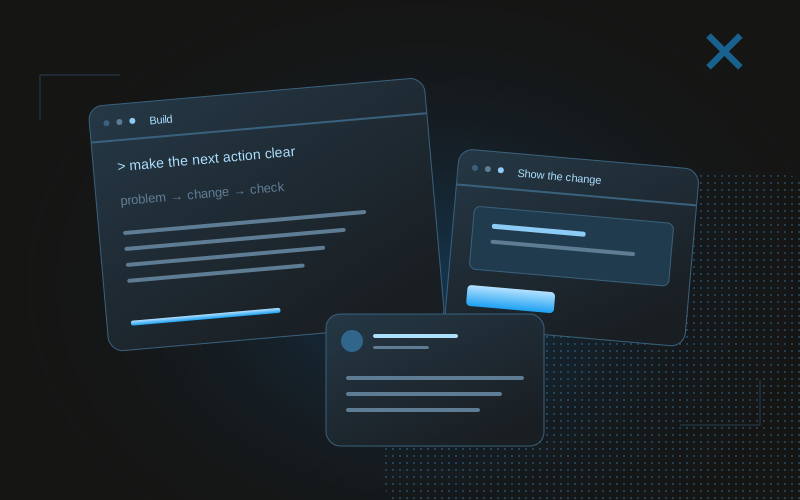
If you are using an agent to build the feature itself, write a task with an observable outcome. “Improve onboarding” leaves too much room for unrelated changes. “Make the next action clear after an empty report, using the existing design system” gives the assistant a specific user state and a narrower acceptance condition.
Include the files or product area it may inspect, the behavior that must remain intact, and the checks that demonstrate the result. Ask for a summary of what changed and what was verified. A build passing does not show that the interaction looks correct on a phone; a screenshot does not prove that a form saves data. Keep those evidence types separate.
A useful architecture principle from Anthropic is to begin with the simplest workflow that serves the task, adding agent autonomy only when it helps. For a small product change and its public explanation, a clear implementation task followed by an evidence review may be enough. A large group of agents is not a prerequisite for sharing credible work.
Maintain a work log that can become a content brief
A work log is a bridge between development and publishing. Record the user problem, what you changed, why you chose it, what you checked, and any limitation. Store links to the actual artifacts. This takes less effort than reconstructing the story from a week of commits after the details have faded.
For a hypothetical dashboard improvement, the log might say: “The empty state did not explain where reports come from. Added a short explanation and a connect-account action. Checked the route and form behavior; mobile visual review still pending.” That is enough context for an honest draft. It does not justify saying onboarding conversions improved.
Keep sensitive material out of the public brief. Customer names, support conversations, access tokens, private repository links, and unreleased commercial plans may appear in your working context. Give the content assistant a filtered evidence packet rather than assuming it will recognize every boundary by itself.
- Problem: what made the change worth doing?
- Change: what can a reader actually see or try?
- Reason: which tradeoff did you choose?
- Evidence: which checks or artifacts support the claim?
- Limit: what remains unverified or unfinished?
Ask for angles before asking for finished posts
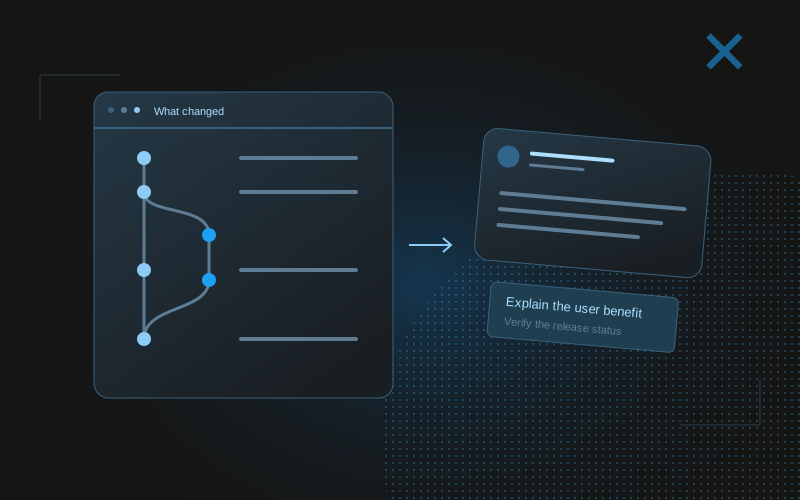
One piece of work can support several stories. A product angle explains the user benefit. A technical angle explains the implementation choice. A learning angle explains what surprised you. Ask the agent to propose these options from the same evidence, then choose the one that suits the audience you want to reach.
Do not publish all the angles as near-duplicates. The purpose of alternatives is to improve selection. If the visible change is minor but the decision is interesting, lead with the decision. If the interaction is immediately understandable in a recording, let the recording do more of the work and keep the caption precise.
Here is an invented before-and-after example. Weak: “Huge onboarding upgrade powered by AI.” Better: “An empty dashboard used to leave you guessing. It now explains where the data comes from and gives you one next action.” The second draft earns its specificity from the artifact. It does not claim a measured business result that the log never supplied.
A prompt to adapt
Read this filtered work log and attached artifact descriptions. Suggest three distinct public-update angles: user benefit, technical decision, and lesson learned. For each, state the intended reader and the evidence it uses. Do not invent customer reactions, measured improvements, deployment status, or emotions. Mark any missing fact that prevents a credible draft.Review the claim, the artifact, and the status together
A post and its image form one claim. If the caption says a feature is live while the screenshot shows a local prototype, the update misleads readers even if every visual detail is real. State whether the work is a prototype, a tested implementation, an early-access feature, or a public release according to the evidence you have.
Read the draft against the work log. Does “fixed” mean the issue was reproduced and the corrected path was verified? Does “faster” refer to a measurement or simply a smoother impression? Does “users wanted this” come from documented feedback or from your own judgment? Replace unsupported claims with accurate descriptions.
Also review the artifact itself. Remove private information and ensure the visual actually shows the improvement. A cropped screenshot can be attractive but impossible to interpret. Add enough context for a reader to understand what changed, and avoid making the caption carry details the image contradicts.
Publish one useful update and stay available for the response
Choose a single update worth sharing and a natural next action. An early prototype may invite feedback on a specific interaction. An available tool may invite people to try that workflow. A technical explanation may simply help other builders. Every post does not need a product link, but any CTA should match what a reader can actually do.
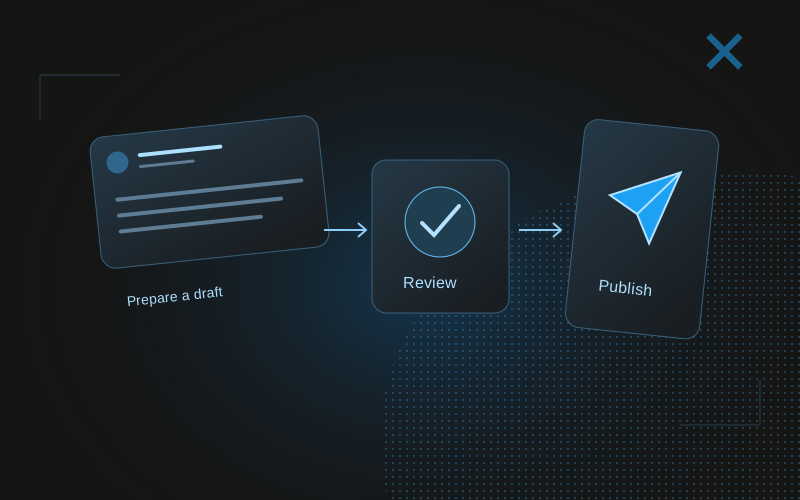
Publishing is a separate step from drafting. You can copy the reviewed post into X yourself or use an authorized publishing integration appropriate to your account. The content assistant does not need account credentials to prepare a good update. Keeping the evidence and draft workflow independent also makes it easier to reuse your notes elsewhere.
After publication, read responses for their substance. A question about the workflow can reveal that the screenshot missed an important state. An implementation suggestion may expose a tradeoff you had not considered. Preserve useful feedback in the product work log so public communication informs the next iteration.
Measure whether the updates support your intended audience
Group your updates by intent and topic rather than treating every build-in-public post as one category. Progress demonstrations, technical explanations, launch announcements, and questions can serve different purposes. Compare their typical reach and inspect the replies or visits that matter to your goal.
If an agent helps with analysis, require post-level evidence and collection timestamps. A strong story about why a post succeeded is easy to generate; a defensible observation is harder. Look for repeated examples and alternative explanations. When follower movement occurs around an update, describe the timing without assigning the entire change to that post.
X-tra can support the analysis side of this workflow through retained history and read-only agent context. Its public offer currently invites creators to join early access. It is not the coding agent or an autonomous X publisher. The connection is the learning loop: real work produces posts, and evidence from those posts helps you choose what to explain next.
Common questions
What should I share when building with AI agents?
Share verified changes, decisions, limitations, and useful examples from your actual work. The fact that an agent contributed may be relevant, but it is not a substitute for a clear reader benefit.
Do I need multiple agents for a build-in-public workflow?
No. A filtered work log, one drafting assistant, and your review can be enough. Add complexity only when the task or repeated bottleneck warrants it.
Can I say a feature is shipped if the build passes?
A passing build supports a technical check, not deployment status. Describe the feature as live only when the intended release environment and behavior have been verified.