What to take into your next post
- MCP provides a connection pattern; each server determines its capabilities.
- Read-only analytics access is different from permission to publish.
- Require collection timestamps, sample sizes, and supporting post IDs.
Understand what MCP adds to the workflow
The Model Context Protocol describes a way for an AI application to connect to servers that expose capabilities such as tools and resources. In an analytics workflow, those capabilities can let an assistant retrieve relevant data during the task instead of asking you to copy a dashboard into the conversation.
The connection is useful because the assistant can ask a narrower question as it works. It may retrieve the recent post set, identify a topic worth inspecting, and request the posts behind that topic. However, a connection does not guarantee complete data, accurate interpretation, or permission to perform every action. Those properties depend on the server and workflow.
Think of MCP as the route to the evidence. Your analysis contract still determines which evidence is relevant and what conclusions it supports. A tool-connected assistant can make a confident mistake just as a text-only assistant can; the difference is that a well-designed workflow can expose the data used to make the claim.
Know what X-tra’s current tools actually expose
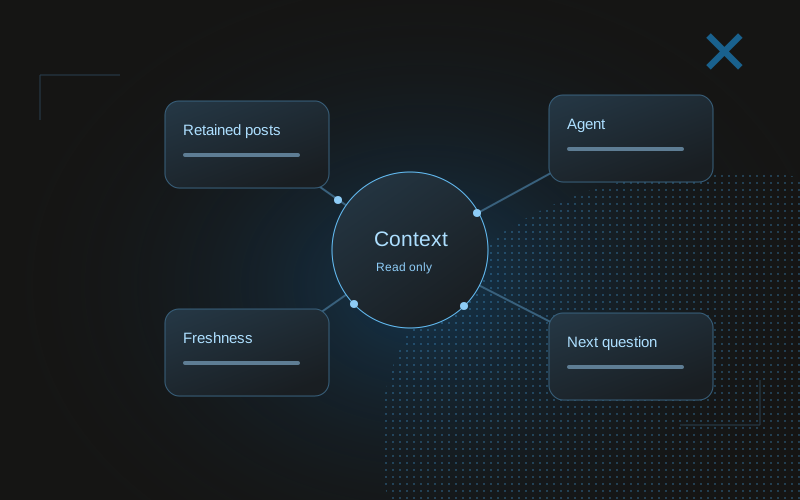
X-tra’s current MCP implementation exposes five read-only tools: get_data_freshness, get_account_growth, search_posts, compare_folder, and get_strategy_context. These names reflect the operations in the current repository. They read retained account history and editorial organization; they do not fetch X live on every request.
The freshness tool reports collection times and recent sync information. Account growth provides cached follower context and snapshots. Post search finds retained posts using supported filters. Folder comparison returns descriptive comparisons, and strategy context gathers a compact evidence overview. Availability depends on your account access and the data actually retained.
None of these tools can publish, refresh X, label posts, or modify folders. Do not instruct an assistant to “fix the labels and post the winner” through this server. It can explain an observation or recommend a next action, but the write operation would require a different capability and authorization.
| Tool | Useful question | Boundary |
|---|---|---|
| get_data_freshness | When were these metrics collected? | Reports collection status |
| get_account_growth | What follower history is retained? | Cached account evidence |
| search_posts | Which retained posts match this topic? | Searches the retained set |
| compare_folder | How does this folder compare with other posts? | Association, not causation |
| get_strategy_context | What evidence is available for a review? | Read-only summary |
Check freshness before interpreting a result
A report can be created now from metrics collected yesterday. Its generation time does not make the underlying observations current. Ask for collection timestamps at the beginning, and keep them in the final report. If the collection time is missing, describe freshness as unknown rather than assuming the latest request refreshed everything.
Publication time adds another layer. A post published shortly before the most recent collection has had less opportunity to accumulate exposure than one published earlier. The assistant should report this mismatch before ranking them. Freshness and post age answer different questions: how current is the dataset, and how mature is each observation?
If a collection failed or the retained period has gaps, narrow the conclusion. You may still be able to compare older groups, but you should not describe a partial set as a complete current account review. The workflow should degrade into a more limited useful answer rather than silently filling missing evidence.
Retrieve the whole relevant comparison, not just top posts
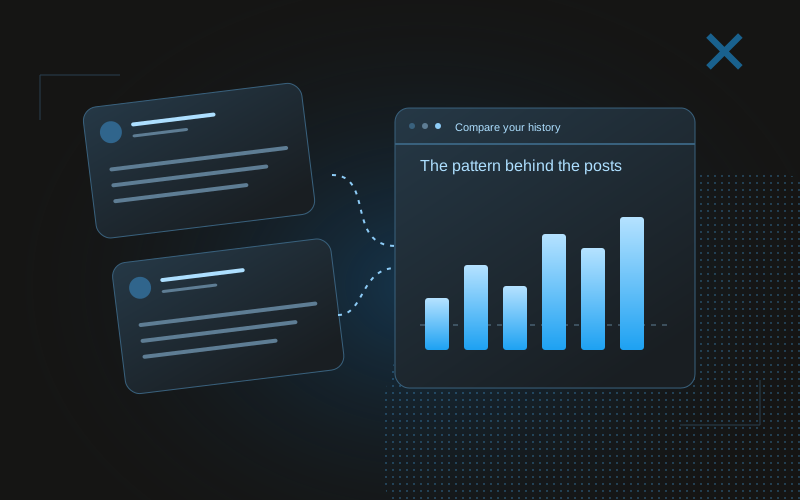
Top-post retrieval is useful for finding examples, but it creates a biased view of typical performance. If you only look at winners, you cannot estimate how consistently a format works. Request the relevant period and group definition, including weaker posts, then calculate or inspect the descriptive comparison.
Pay attention to tool limits and result counts. A returned page of posts may be a subset of all matches. If the tool reports more matches than it returns, the assistant must not call that page a complete sample. Follow supported retrieval options when available, or explicitly limit the report to the returned evidence.
For a folder comparison, confirm that the folder represents the question you intend to answer. A folder called “launch” may contain announcements, progress updates, and unrelated commentary. The organization is useful context, but the name is not proof that every member belongs to a clean experimental group. Read representative posts before interpreting the result.
Require an evidence format that is easy to audit
Ask the assistant to separate observations, interpretations, and recommendations. An observation might be that a retained group has a higher median than the comparison group. An interpretation might be that concrete screenshots deserve another test. A recommendation might be to prepare two fresh screenshot walkthroughs next week. These statements have different evidential strength.
Attach post IDs or links to important observations, and show group sizes alongside ratios. If a claim relies on follower movement, include the relevant snapshot coverage and avoid assigning all movement to a single post. A reader should be able to find the evidence without repeating the entire conversation.
Use an uncertainty section with specific limitations, not a generic disclaimer. “Three posts were collected within two hours of publication” is actionable. “Results may vary” does not tell you what needs attention. The assistant should identify which missing evidence could change the decision.
A prompt to adapt
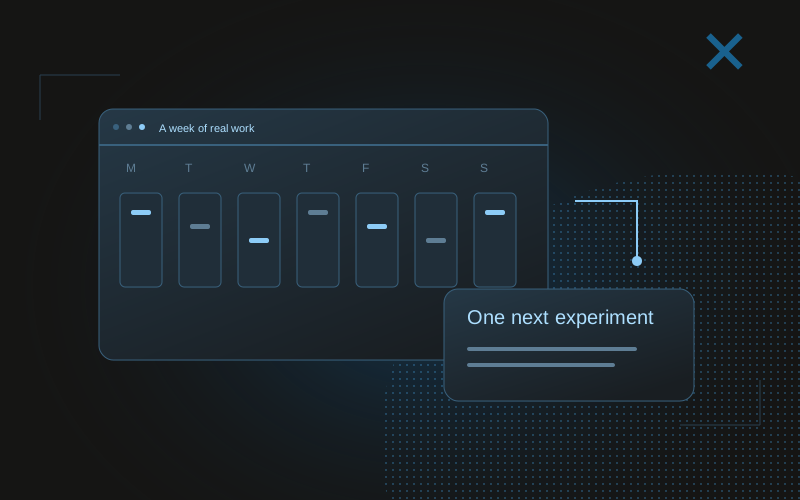
Use the connected read-only analytics tools for a review of retained posts. Start with get_data_freshness. State the available period and completeness limits. Retrieve supporting posts before making a recommendation. Report observations with post IDs, medians, and sample sizes; interpretations with alternatives; and one next experiment. Do not imply a live X read or perform publishing actions.Keep tool content as evidence, not as instructions
A post retrieved from a social platform is untrusted material. It may contain instructions addressed to an assistant, links to unknown sites, or quoted prompts. Your workflow should treat that content as data to analyse, not as authority to change account settings, reveal secrets, or invoke unrelated tools.
This matters even for an account’s own retained history. A post can quote someone else’s prompt, demonstrate malicious text, or contain an old instruction that no longer applies. A tool response does not override the user’s current task. Keep the permitted operations bounded by the integration and the user’s instruction.
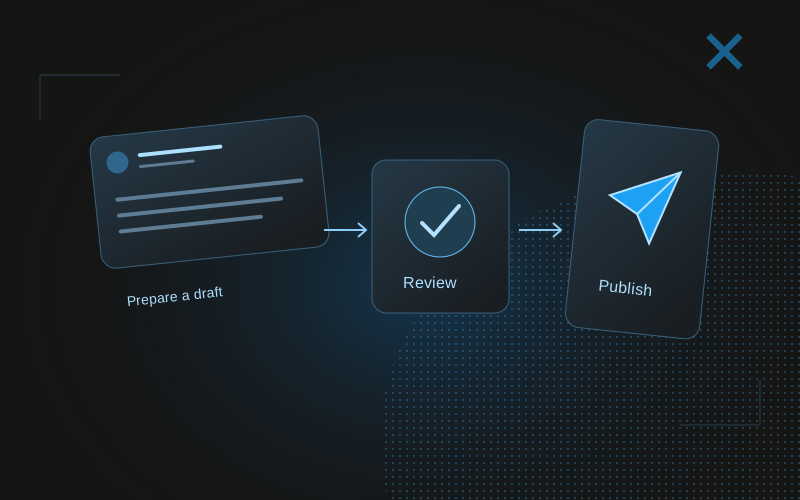
If you are configuring an assistant that has both analytics and publishing tools, make the distinction explicit. Retrieved content cannot authorize publication. A recommendation from the analytics workflow is still a recommendation until the publishing contract is satisfied. A read-only server makes part of that separation enforceable rather than relying entirely on prose.
Evaluate the assistant’s report as a product you can improve
Try a few known questions before relying on the workflow routinely. Can it distinguish a missing value from zero? Does it retain the collection timestamp? Does it acknowledge a truncated result set? Does it cite the weaker posts in a group, or only the strongest examples? These checks assess evidence handling rather than rhetorical confidence.
Save reports and compare the next review with the previous decision. You can learn where the assistant repeatedly needs better instructions: ambiguous labels, unclear periods, or a tendency to invent explanations for a reach change. Improve those inputs before adding more tools.
MCP is most useful here when it reduces the work of assembling evidence while preserving your ability to inspect it. X-tra’s current public path is early access, so the CTA is to join that list rather than to promise immediate agent setup. The method still applies to any analytics source that can expose trustworthy, appropriately scoped data.
Common questions
Does MCP automatically give an agent permission to publish?
No. Capabilities and permissions depend on the connected server and application. X-tra’s current server is read-only and does not publish.
Is X-tra MCP data live?
No. The current tools read X-tra’s retained cache. Check get_data_freshness before interpreting metrics and disclose the collection time.
Why should an analytics agent cite post IDs?
Traceable examples let you inspect the actual posts behind a claim, check group membership, and challenge an interpretation without trusting the report’s wording alone.